Home screen, December 2019: back to the verb folders
I’m ending 2019 where I started it in June: the Make, Learn, Fix and Play folders across the top for everything occasional, and the daily reading, writing, audio and habit apps loose on the grid.
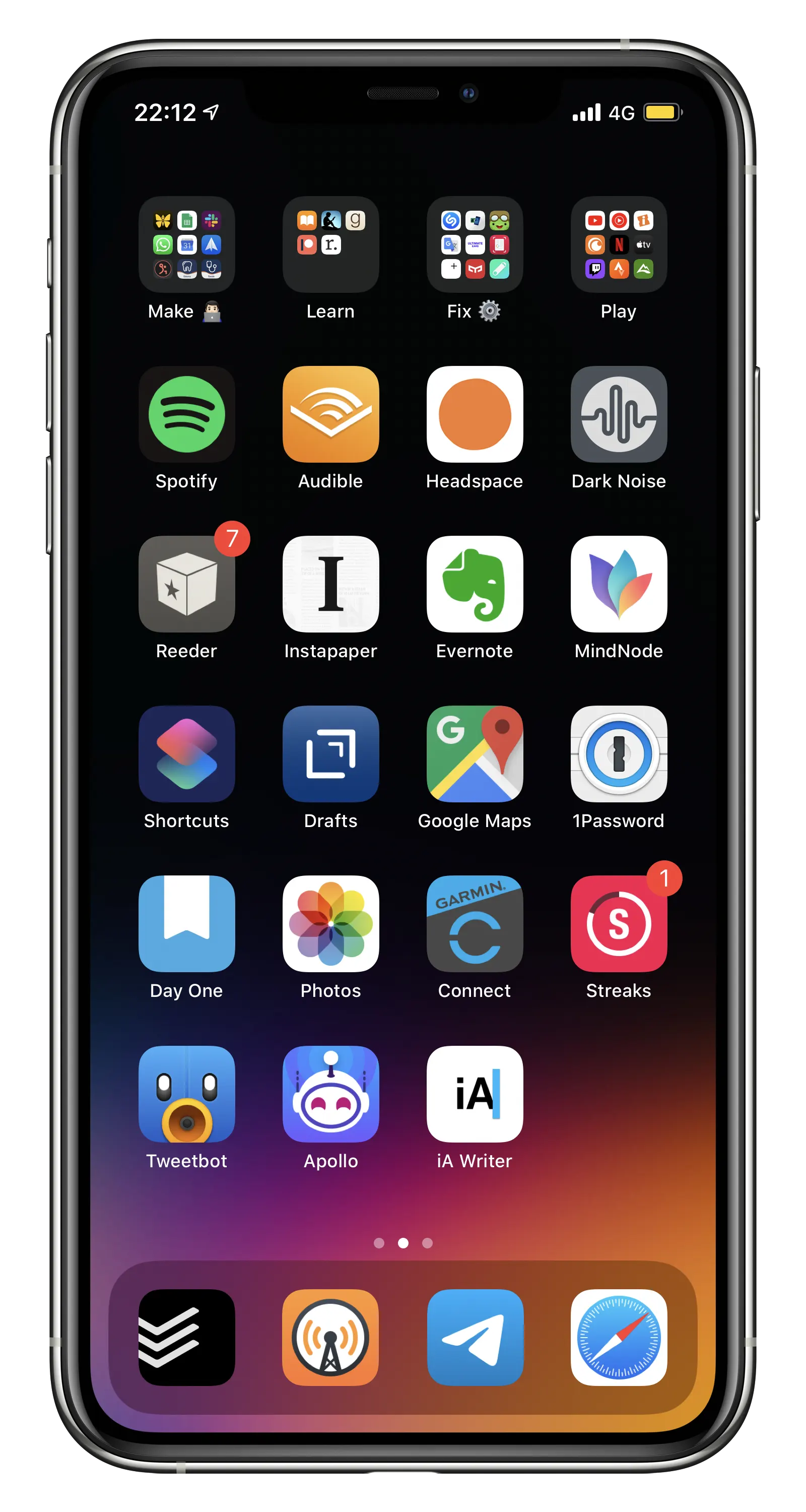
The last version of my home screen in 2019.
Apps
Folders
- Make: Ulysses, Google Sheets, Slack, WhatsApp, Google Calendar, Spark and a couple of everyday services
- Learn: Books, Kindle, Goodreads, Patreon
- Fix: Shazam, Google Translate, Ultimate Ears, Scanbot and a few other utilities
- Play: YouTube, YouTube Music, Crunchyroll, Netflix, Apple TV, Twitch, Strava, AllTrails
On the grid
- Music, podcasts and audiobooks: Spotify, Audible, Overcast
- Health, focus and habits: Headspace, Dark Noise, Garmin Connect, Streaks
- Reading: Reeder, Instapaper
- Notes and writing: Evernote, MindNode, Drafts, Day One, iA Writer
- Productivity: Shortcuts, Todoist
- Maps: Google Maps
- Utilities: 1Password, Safari
- Photos: Photos
- Social and messaging: Tweetbot, Apollo, Telegram
- Dock: Todoist, Overcast, Telegram, Safari
Filed under Essays — 2019-12-31← Index