Home screen, September 2020: my first iOS 14 widgets
iOS 14 brings widgets to the iPhone home screen, and this is the first setup with them that I like: a single page, two small widgets on top, and the apps I use every day below.
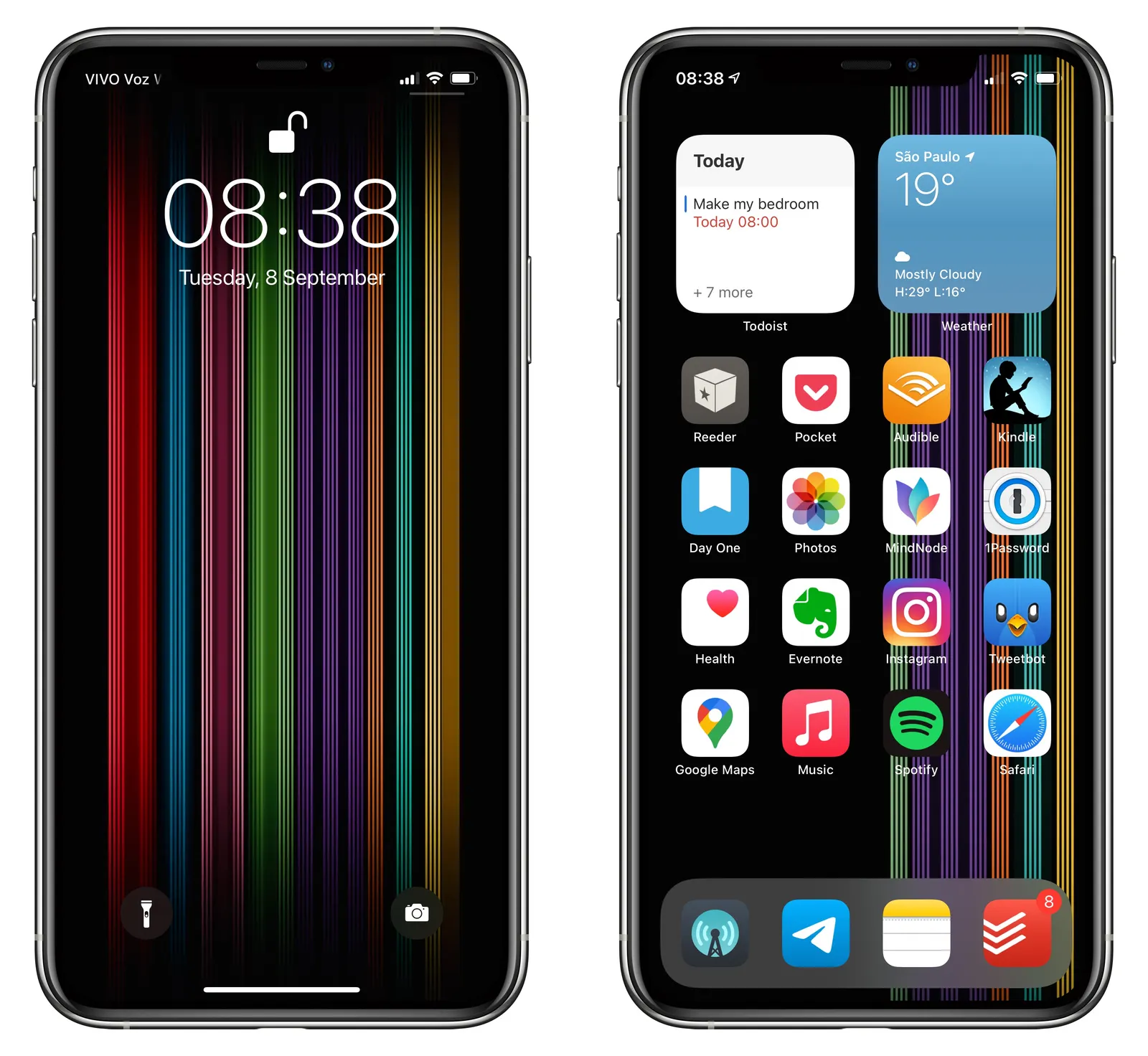
This is the first setup I’m happy with using the new iOS 14 widgets. For now I only have widgets from the built-in apps and Todoist. I can’t wait to have more of my favorite apps on the home screen.
Apps
- Widgets: Todoist, Weather
- Reading: Reeder, Pocket, Kindle
- Music, podcasts and audiobooks: Audible, Music, Spotify, Overcast
- Notes and writing: Day One, MindNode, Evernote, Notes
- Social and messaging: Instagram, Tweetbot, Telegram
- Health: Health
- Photos and maps: Photos, Google Maps
- Utilities: 1Password, Safari
- Dock: Overcast, Telegram, Notes, Todoist
Filed under Essays — 2020-09-08← Index